User guideGetting started
The adaptive shell
How the AbstractOS shell changes between phone, tablet and desktop, and how to move between them.
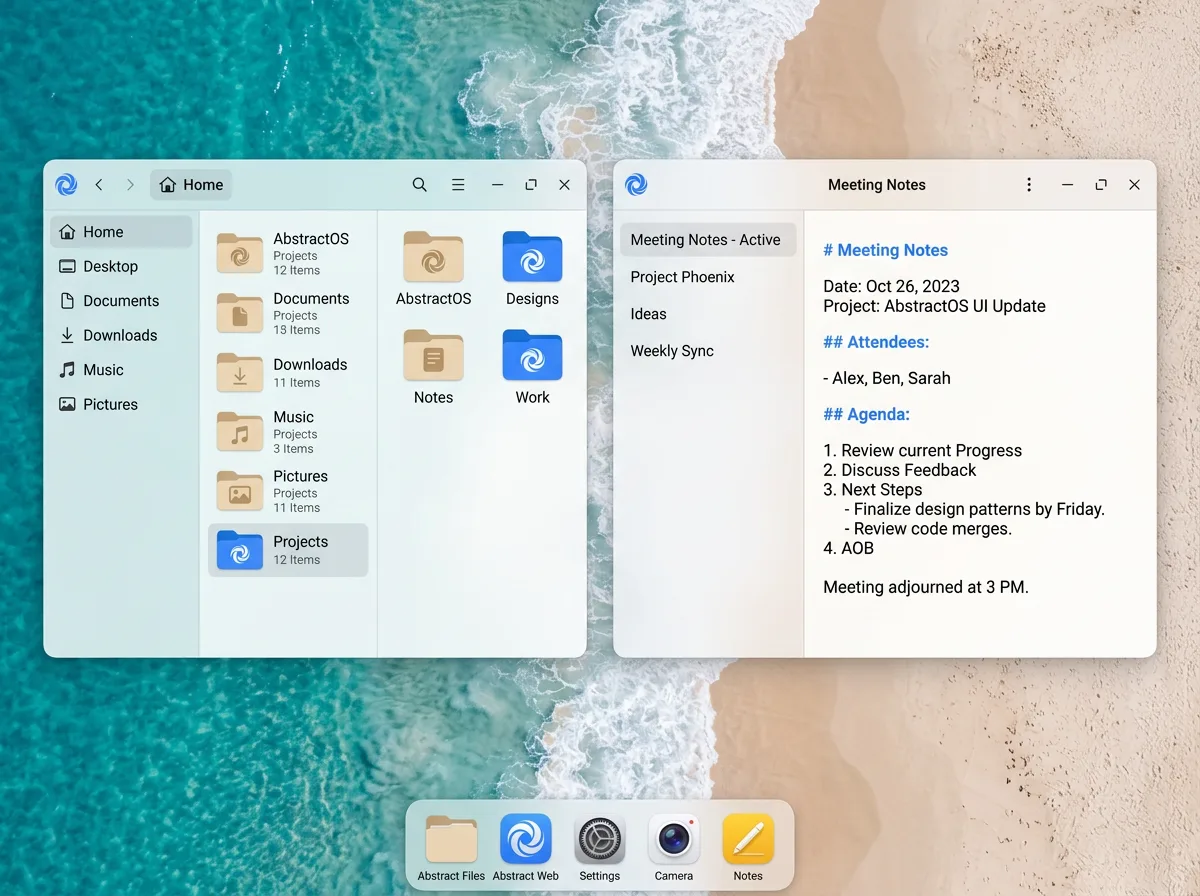
The shell is the dock, launcher, notifications and window management. It is one program that picks a layout based on screen size and input devices.
Form factors
| Form factor | Trigger | Windows | Dock |
|---|---|---|---|
| Phone | Width under 600 px | Full screen, swipe to switch | Gesture bar |
| Tablet | Touch, width 600–1200 px | Full screen or split view | Floating dock |
| Desktop | Pointer or width over 1200 px | Free-floating, snap to edges | Bottom panel |
Rendering diagram
Docking a phone
Connect your phone to a monitor over USB‑C. The phone screen becomes a trackpad and the monitor shows the full desktop shell with your open apps.
Keyboard shortcuts
| Shortcut | Action |
|---|---|
| Super | Open the launcher |
| SuperTab | Switch between apps |
| Super← | Snap window to the left |
| SuperN | Open notifications |
| SuperL | Lock the screen |
Last updated Edit this page on GitLab