User guideFiles
Using Files
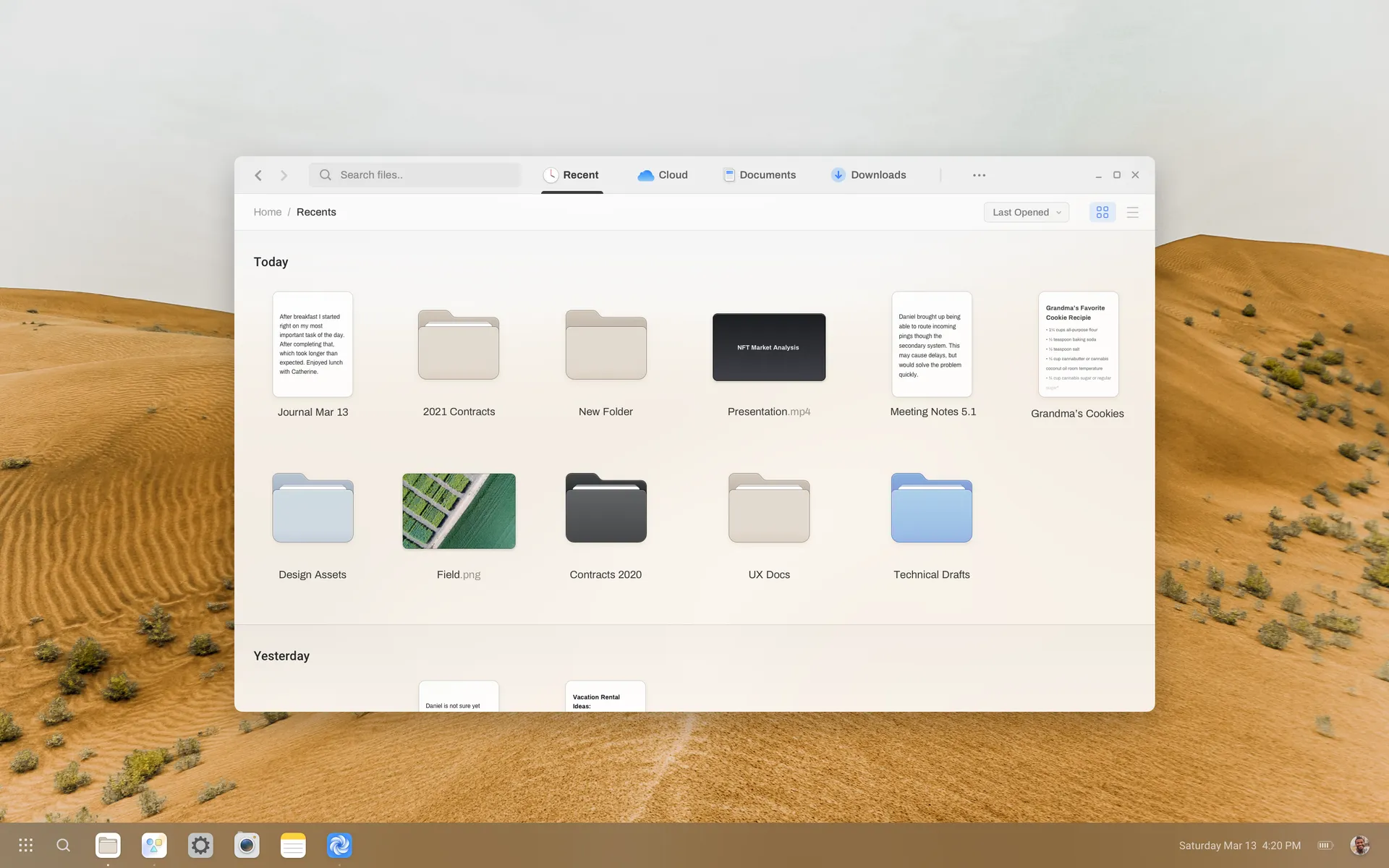
Browse recent files, cloud storage and downloads, and switch between grid and list views.
Files opens on Recent, which groups everything you have opened by day. Tabs across the top switch between Recent, Cloud, Documents and Downloads.
Views and sorting
- Toggle between grid and list view with the buttons on the right of the toolbar.
- Sort by Last opened, Name, Size or Type.
- Press
Ctrl+Fto search the current location.
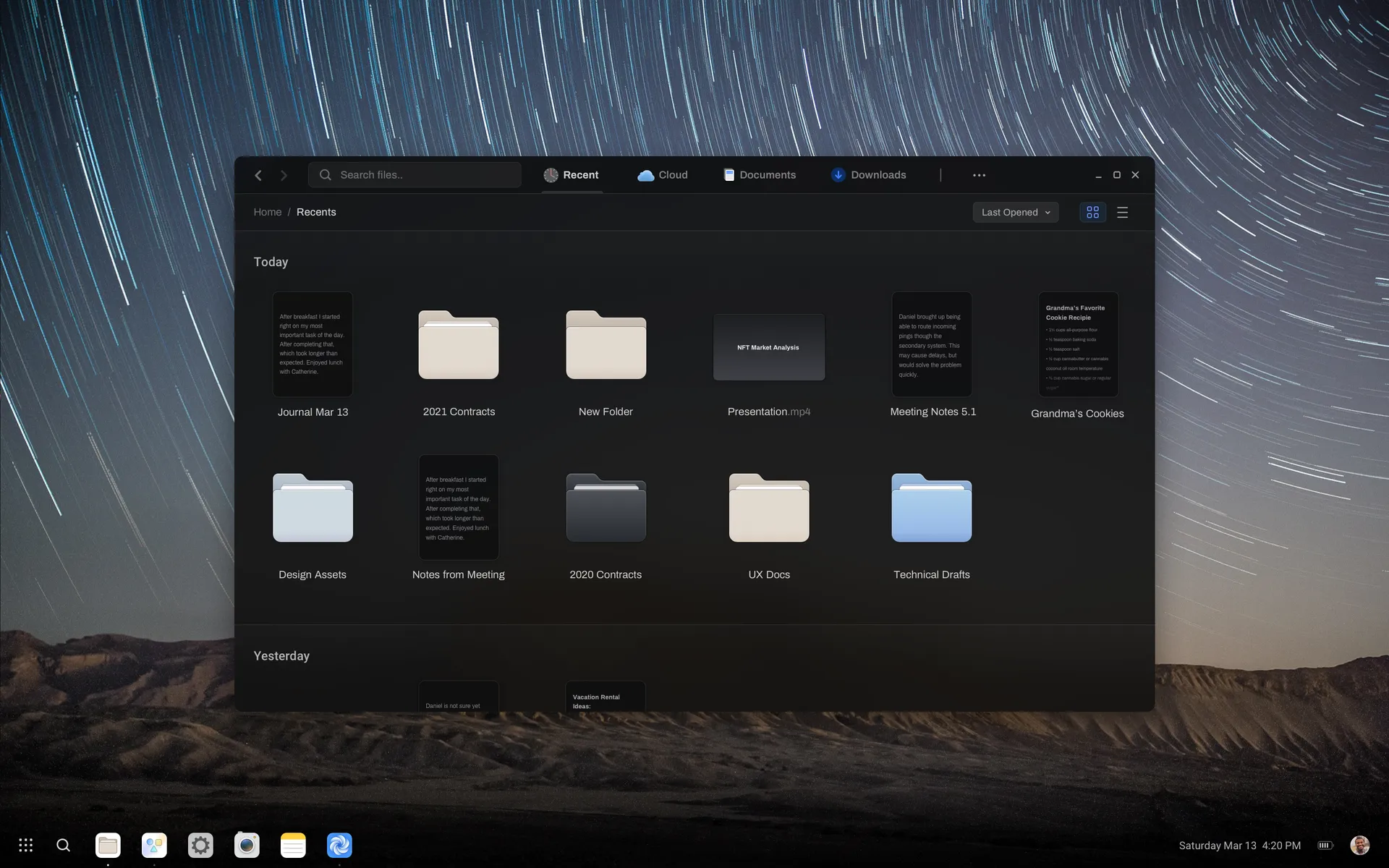
Dark appearance
| Shortcut | Action |
|---|---|
| CtrlN | New window |
| CtrlShiftN | New folder |
| CtrlL | Type a location |
| Space | Quick preview |
Last updated Edit this page on GitLab