User guideDisk Utility
Creating a USB installer
Write an AbstractOS image to a USB drive with Disk Utility.
Disk Utility can write any .iso or .img file to a USB drive and verify it afterwards.
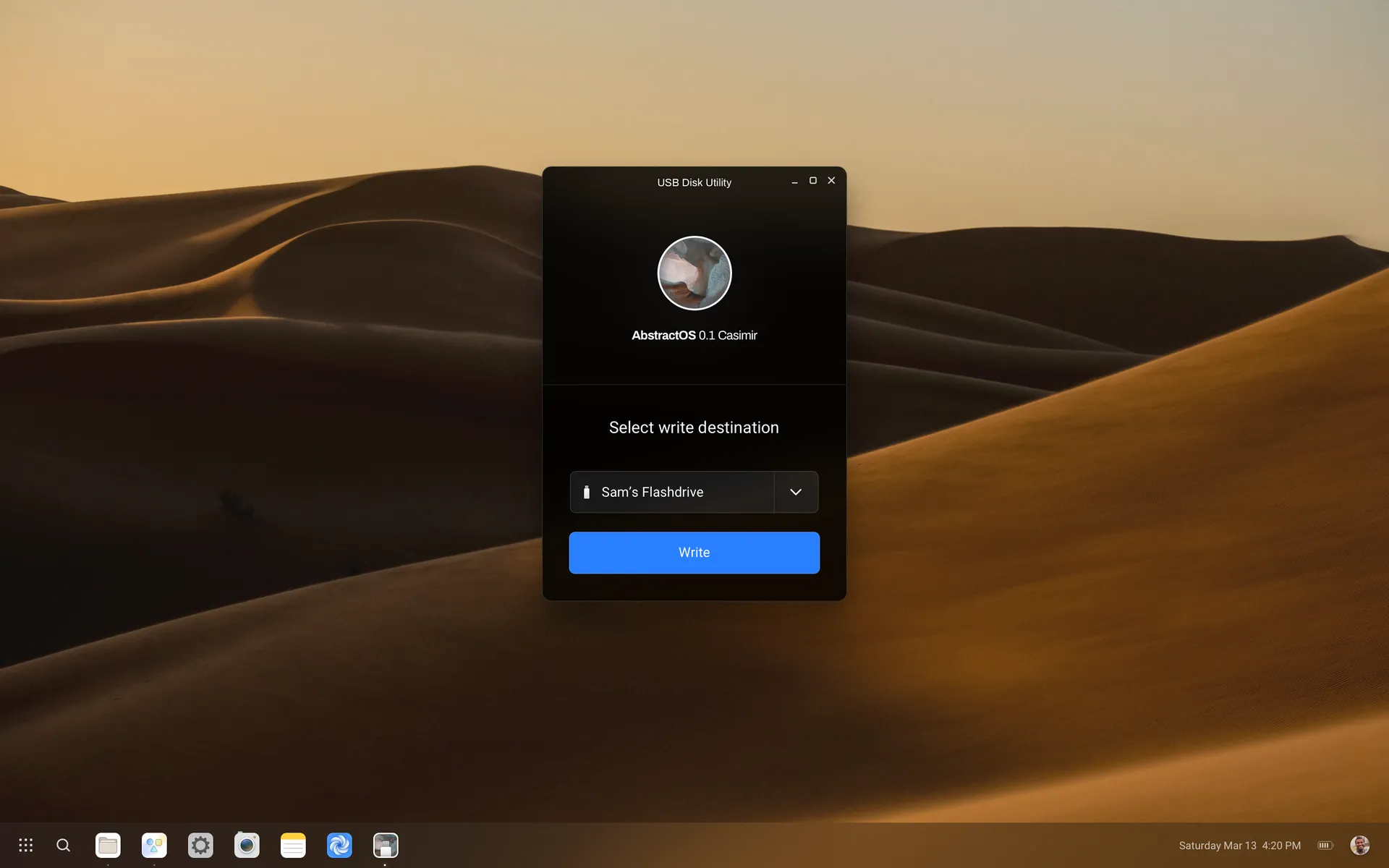
- 1
Insert a USB drive
Use a drive of 8 GB or more. Everything on it will be erased.
- 2
Choose the image
Select Restore image and pick the downloaded AbstractOS image.
- 3
Write and verify
Select Write. Disk Utility checks the SHA-256 checksum when finished.
Note
On another OS, any image writer such as
dd works too:sudo dd if=abstractos-0.1-amd64.iso of=/dev/sdX bs=4M status=progress conv=fsyncLast updated Edit this page on GitLab