Alpha 0.1 · Casimir
Get AbstractOS
Free to download, free to use. Pick your architecture, then run it in a virtual machine or write it to a USB drive.
AbstractOS is alpha software. Expect rough edges and missing features. We recommend trying it in a virtual machine before installing on hardware you rely on.
Install
Up and running in three steps
Prefer a virtual machine? Point GNOME Boxes, VirtualBox or virt-manager at the image and you are done.
Download an image
Choose the build for your architecture above and verify its SHA256 checksum.
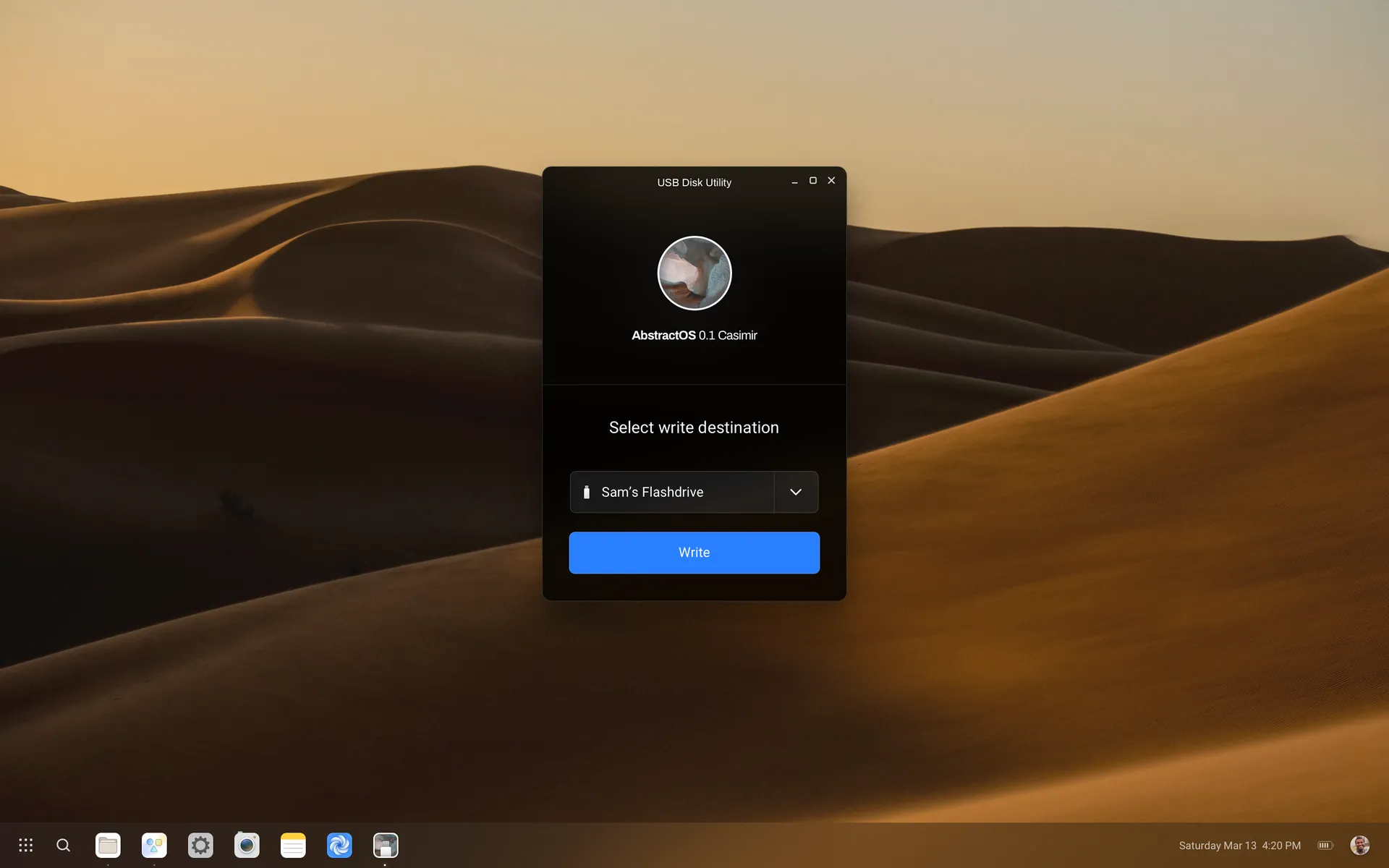
Write it to a USB drive
Use the AbstractOS USB Disk Utility, or any image writer, to flash the .img to a drive of 8 GB or more.
Boot and install
Restart from the USB drive, try the live session, then erase and install — or partition it your way.
Requirements
System requirements
AbstractOS is lightweight by design, but more headroom makes everything feel smoother.
| Component | Minimum | Recommended |
|---|---|---|
| Processor | 64-bit or 32-bit x86, 1.6 GHz dual-core | 64-bit quad-core, 2 GHz+ |
| Memory | 4 GB RAM | 8 GB RAM or more |
| Storage | 20 GB | 64 GB SSD |
| Display | 1024 × 768 | 1920 × 1080 or touch display |
| Boot | BIOS or UEFI | UEFI with GPT |