User guideExposition
Installing apps
Find, install, update and remove apps with Exposition.
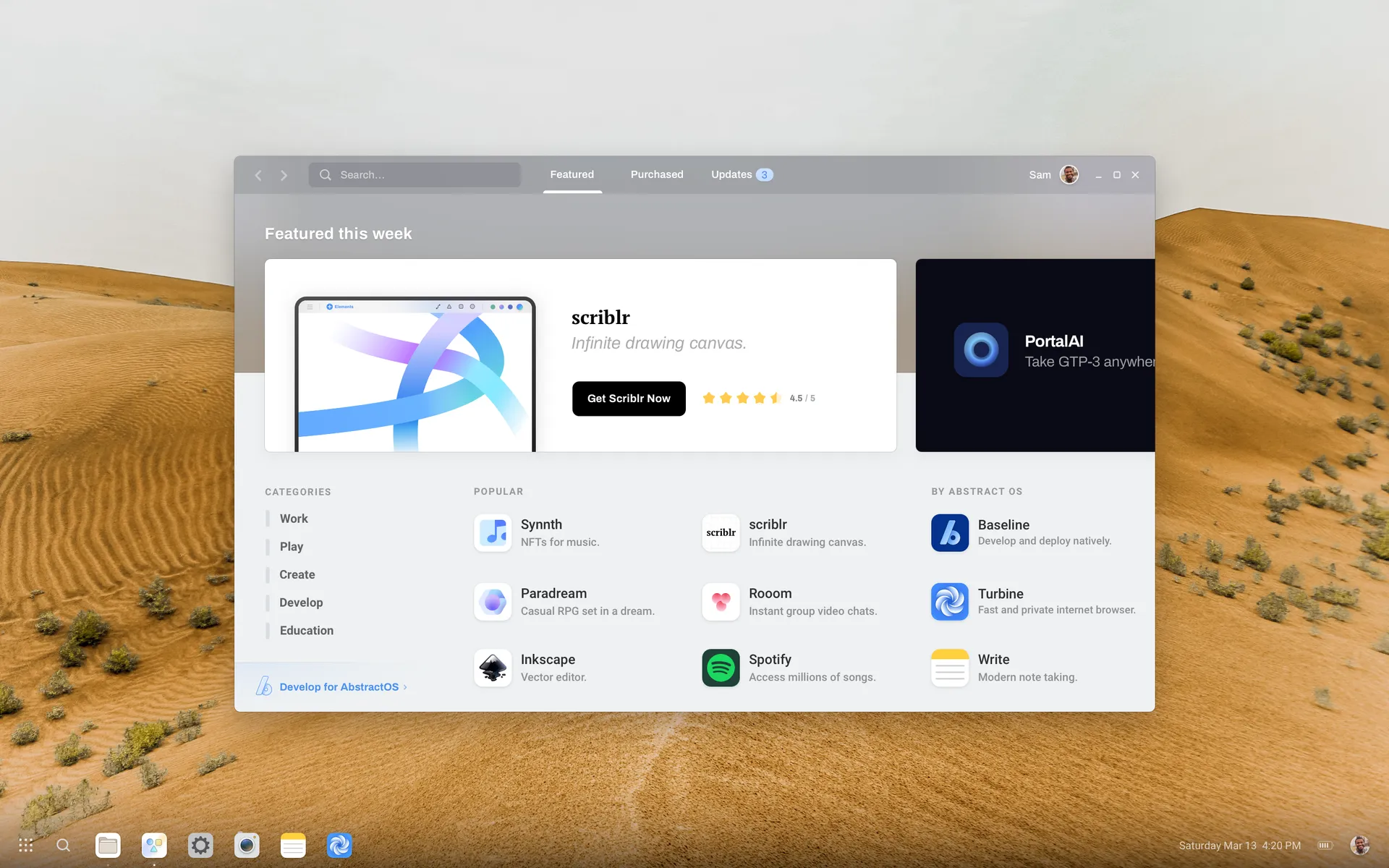
Exposition is the app store. Every app is sandboxed and updates in the background.
- 1
Find an app
Browse Featured and categories, or search from the toolbar.
- 2
Install
Select Get on the app page. Permissions the app may request are listed before you install.
- 3
Update
Updates install automatically. Check Updates to see what changed.
From the command line
abstract-apps search scriblr
abstract-apps install app.scriblr.Scriblr
abstract-apps update --all
Last updated Edit this page on GitLab