Installing AbstractOS
Download an image, write it to a USB drive and install AbstractOS on a PC, tablet or phone.
AbstractOS ships as a single image per architecture. The installer detects the device it is running on and configures the shell for that form factor automatically.
Before you begin
Minimum requirements
- CPU
- 64-bit x86_64 or ARMv8
- Memory
- 4 GB RAM
- Storage
- 32 GB
- Graphics
- OpenGL ES 3.0 / Vulkan 1.1
Install on a desktop or laptop
- 1
Download the image
Get the latest
.isofrom the download page. - 2
Create a USB installer
Use Disk Utility or any image writer to flash the image to a USB drive of 8 GB or more.
- 3
Boot from USB
Restart and choose the USB drive from your firmware boot menu, usually F12, F10 or Esc.
- 4
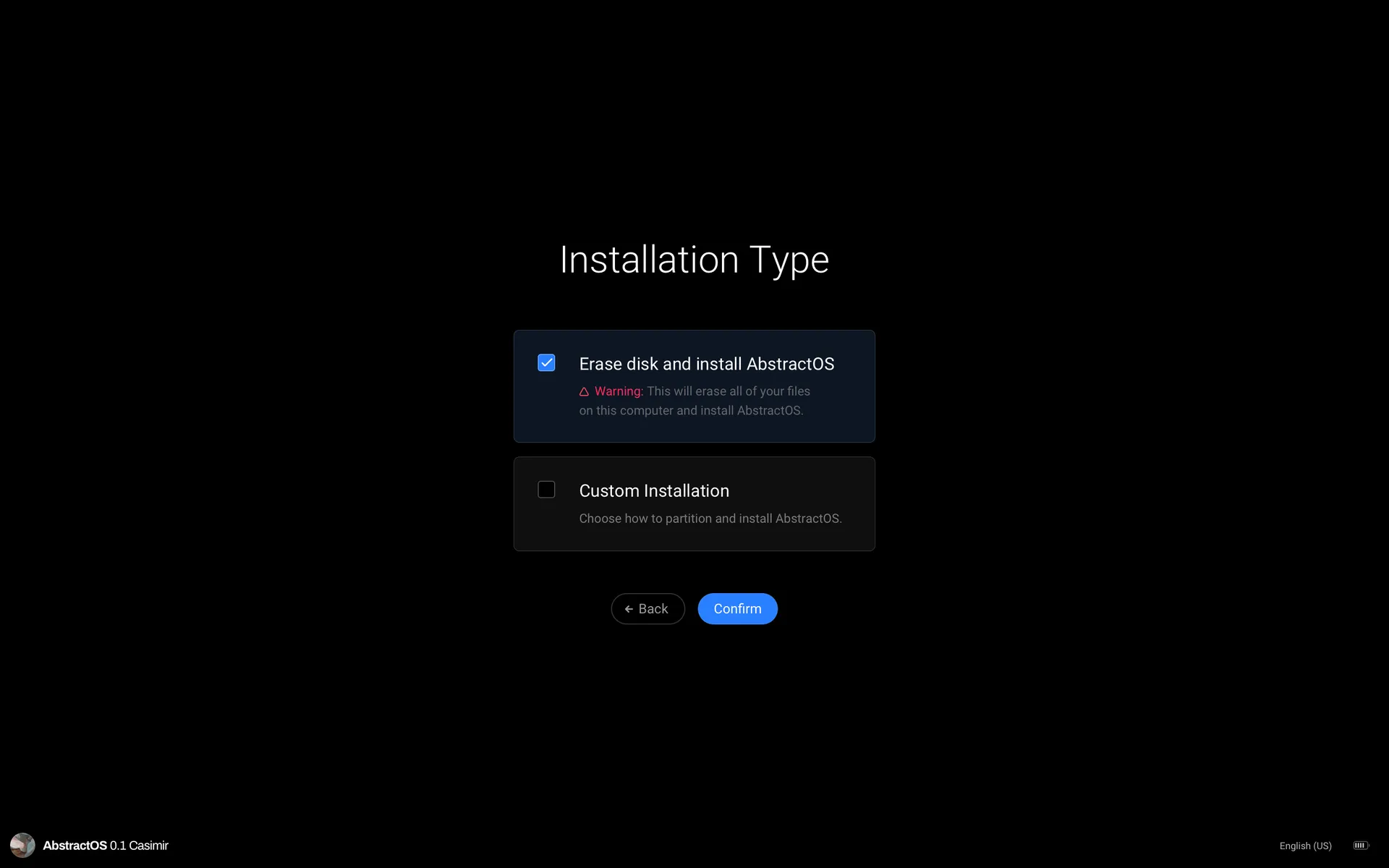
Choose an installation type
Pick Erase disk, Install alongside or Manual partitioning, then follow the prompts.
Install on a phone or tablet
Mobile devices are flashed over USB from another computer. Check Devices supported first, then install the flashing tool:
sudo apt install abstract-flash
abstract-flash --device auto abstractos-0.1-arm64.img--device auto reads the connected device’s codename over fastboot and picks the right partition layout.