Designing Exposition, a calmer way to switch apps
From a whiteboard sketch to the shipped overview: the principles, false starts and details behind Exposition.
PR
Priya Raman1 min read
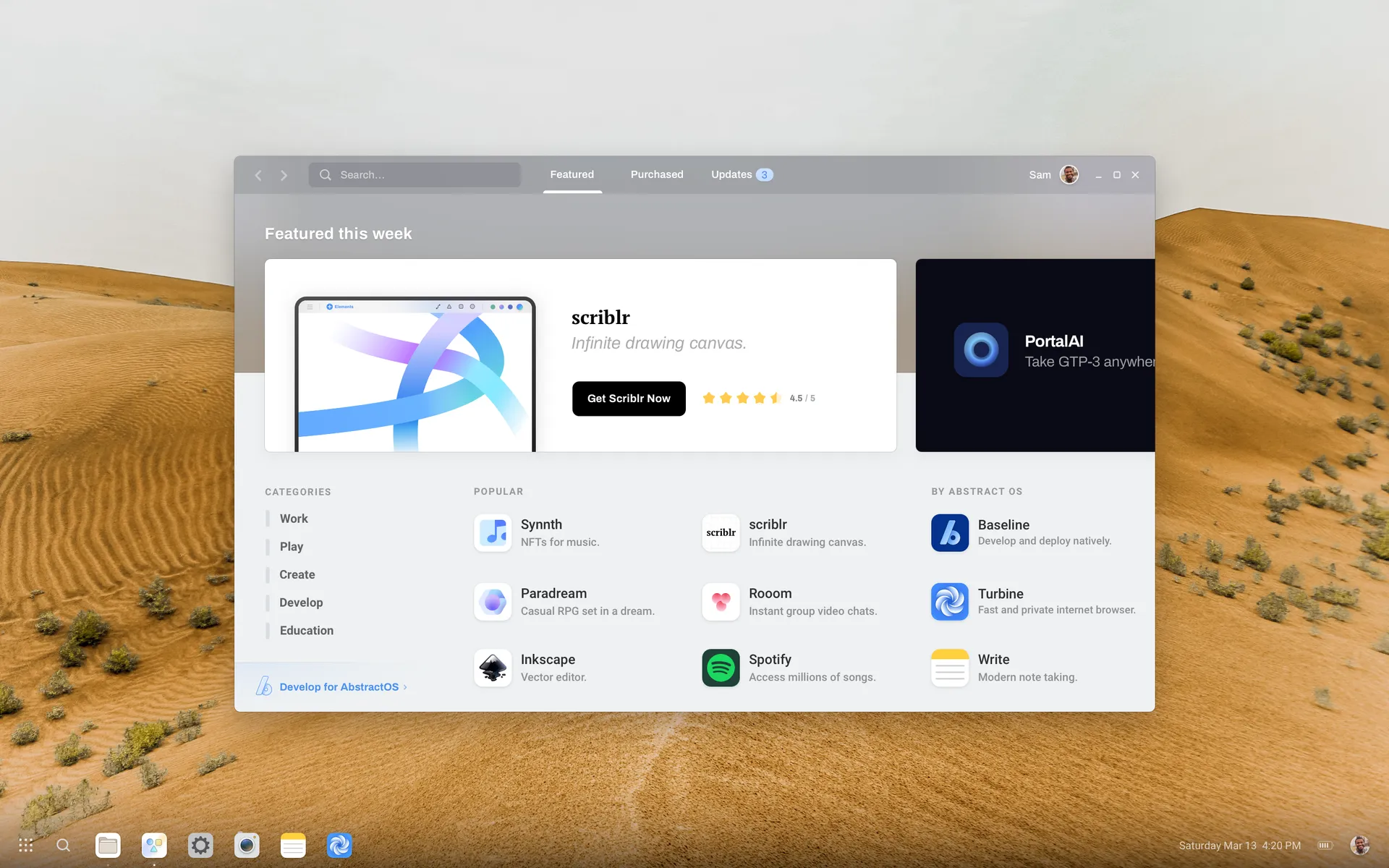
Every operating system has an app switcher. Most of them are noisy. With Exposition, we wanted an overview that felt like stepping back from your desk rather than rummaging through a drawer.
Principles
- Spatial memory first. Windows keep their relative positions so you can find them by where they were.
- One gesture, every device. Three-finger swipe, the Super key and a long press on the home bar all open Exposition.
- Quiet chrome. Labels appear on hover or focus, not all at once.
What we threw away
Our first prototype used a carousel. It tested well on phones and poorly everywhere else: on a desktop with twelve windows, nobody could find anything. Spatial layout won.
If it only works on one screen size, it is not done yet.
Priya Raman, design review notes
Try it
Exposition ships in Casimir. Learn every gesture in the Exposition guide.
Related posts
- Our logo is three primitives. Here is how those same shapes drive icons, illustrations and motion across the system.PRPriya Raman1 min read
- How we rebuilt the file manager with an adaptive sidebar, instant search and light and dark themes.KWKenji Watanabe1 min read
- Four screens, encryption by default, and a recovery key you will actually keep. The story of the AbstractOS installer.PRPriya Raman1 min read