Building an installer that respects your time
Four screens, encryption by default, and a recovery key you will actually keep. The story of the AbstractOS installer.
PR
Priya Raman1 min read
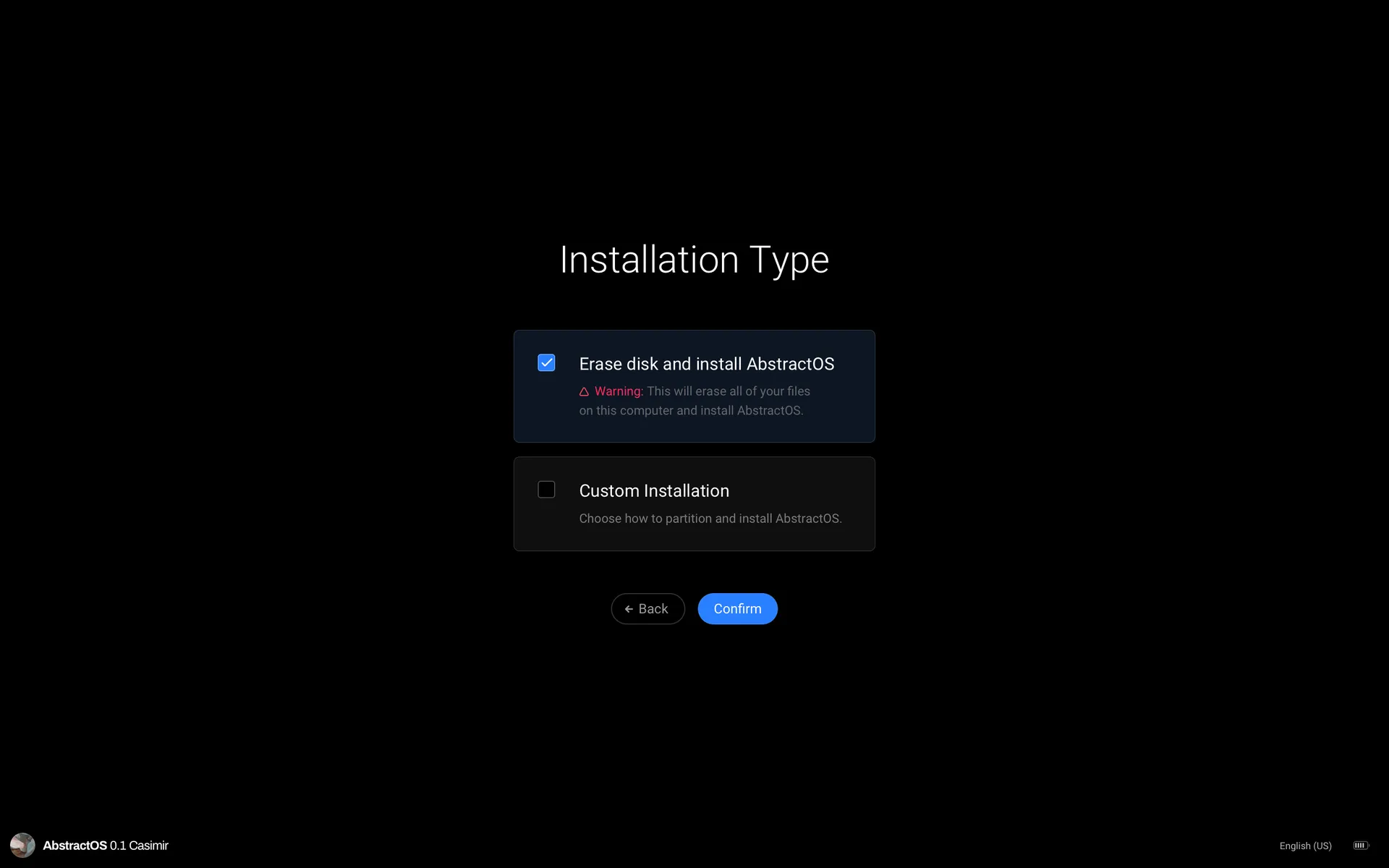
Installing an operating system is the first impression. We wanted ours to take four screens and fewer than ten minutes.
- 1
Language and keyboard
Detected automatically, confirmed with one tap.
- 2
Installation type
Erase disk, install alongside, or advanced partitioning.
- 3
Encryption
On by default, with a printable recovery key.
- 4
Account
Create your user and you are done.
Related posts
- Our first public alpha is here. One Linux system that adapts to your phone, tablet and desktop, with a new shell, Files, Turbine and the installer.AMAda Moreno1 min read
- From a whiteboard sketch to the shipped overview: the principles, false starts and details behind Exposition.PRPriya Raman1 min read
- Our logo is three primitives. Here is how those same shapes drive icons, illustrations and motion across the system.PRPriya Raman1 min read