One codebase, every screen: how the adaptive shell works
A tour of the compositor, the form-factor service and the breakpoint system that lets AbstractOS reshape itself when you dock a phone.
Convergence is easy to promise and hard to ship. This post walks through how the AbstractOS shell decides what it should look like, and how apps follow along.
The big picture
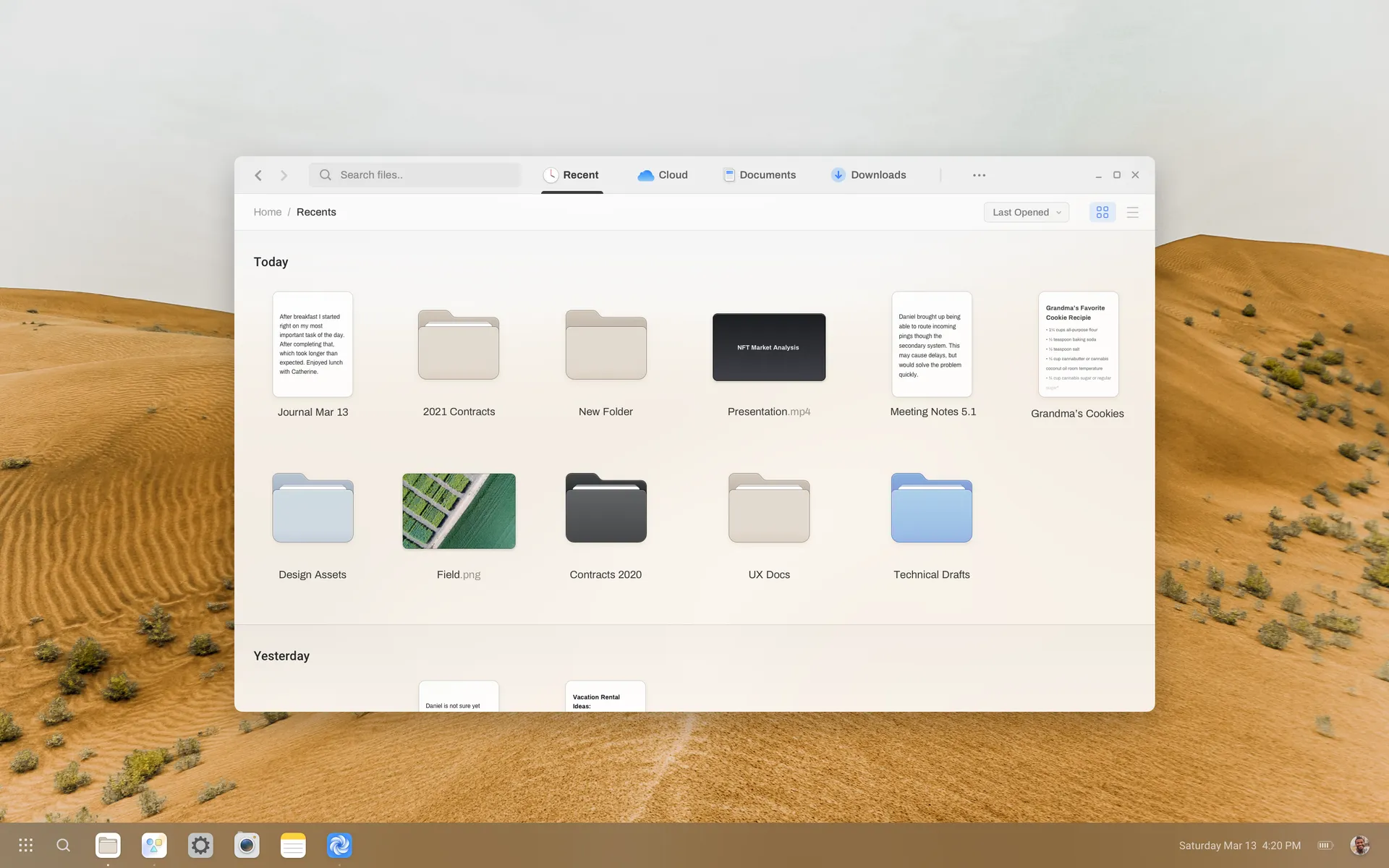
Three services cooperate: the compositor owns outputs and input devices, the form-factor service turns that hardware state into a single mode, and the shell renders the layout for that mode.
Choosing a mode
The form-factor service scores the current hardware. A keyboard and pointer push toward desktop; a single touch display under 7 inches pushes toward phone. The highest score wins, with hysteresis so the UI does not flicker when you bump a dock.
pub fn resolve_mode(state: &HardwareState) -> Mode {
    let mut score = Scores::default();

    if state.has_keyboard() && state.has_pointer() {
        score.desktop += 3;
    }
    if let Some(display) = state.primary_display() {
        match display.diagonal_inches() {
            d if d < 7.0 => score.phone += 4,
            d if d < 13.0 => score.tablet += 3,
            _ => score.desktop += 2,
        }
    }

    score.winner_with_hysteresis(state.previous_mode())
}
Following along in apps
Apps never ask “am I on a phone?”. They subscribe to breakpoints based on the space they actually have. This keeps a narrow window on a desktop behaving just like a phone.
import { useBreakpoint } from '@abstract/sdk'

export function Sidebar() {
  const bp = useBreakpoint() // 'compact' | 'medium' | 'expanded'
  return bp === 'compact' ? <BottomSheet /> : <SidePanel />
}abstract-ctl form-factor set tablet. See the SDK docs.What we learned
- Base layouts on available space, never on device type.
- Hysteresis matters more than precision. Users notice flicker immediately.
- Keep transitions under 250 ms so a mode switch feels like a single gesture.
Related posts
- How we rebuilt the file manager with an adaptive sidebar, instant search and light and dark themes.KWKenji Watanabe1 min read
- Our first public alpha is here. One Linux system that adapts to your phone, tablet and desktop, with a new shell, Files, Turbine and the installer.AMAda Moreno1 min read
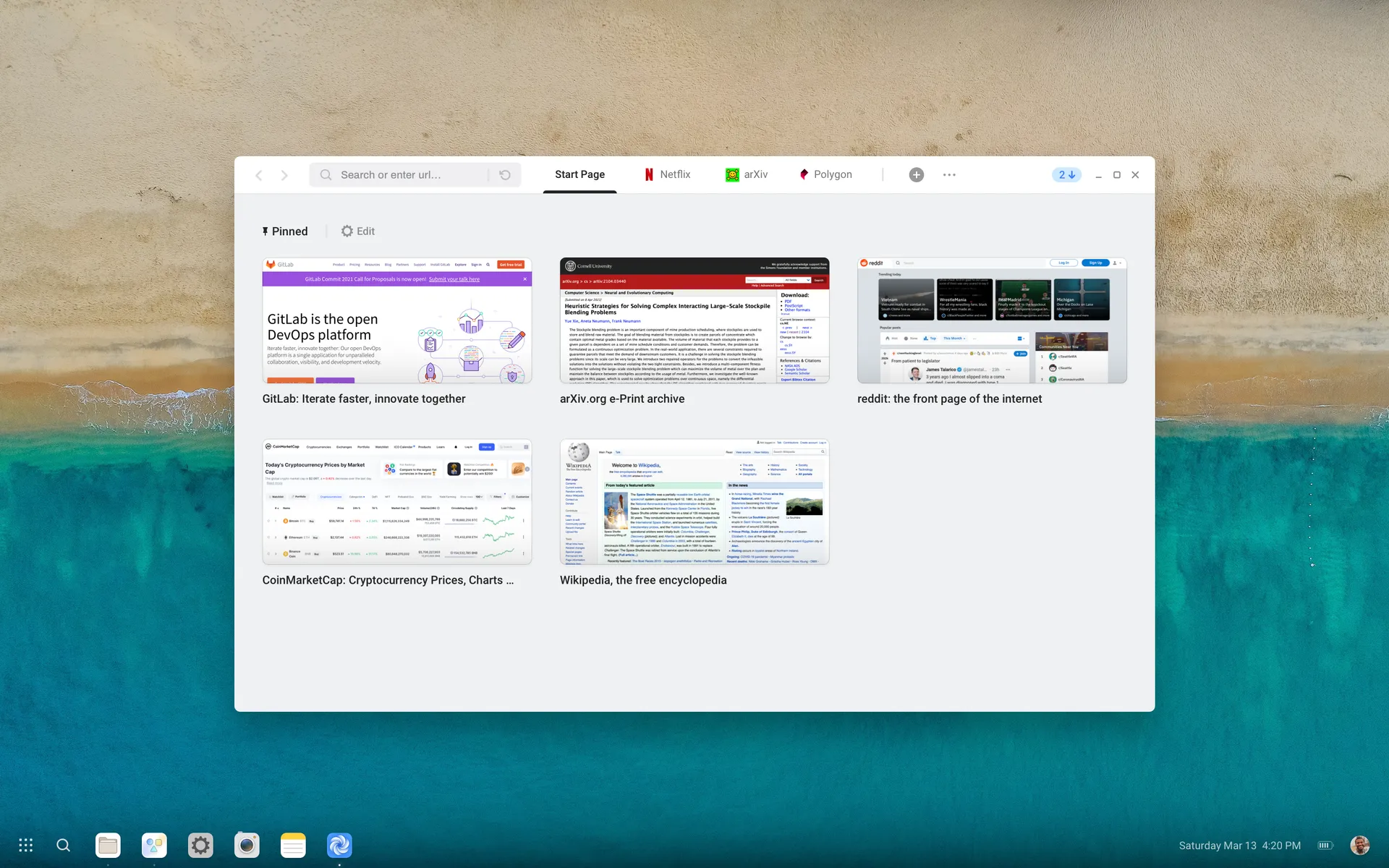
- Why we built our own browser shell, how tracking protection works, and the trade-offs we made for speed.KWKenji Watanabe1 min read